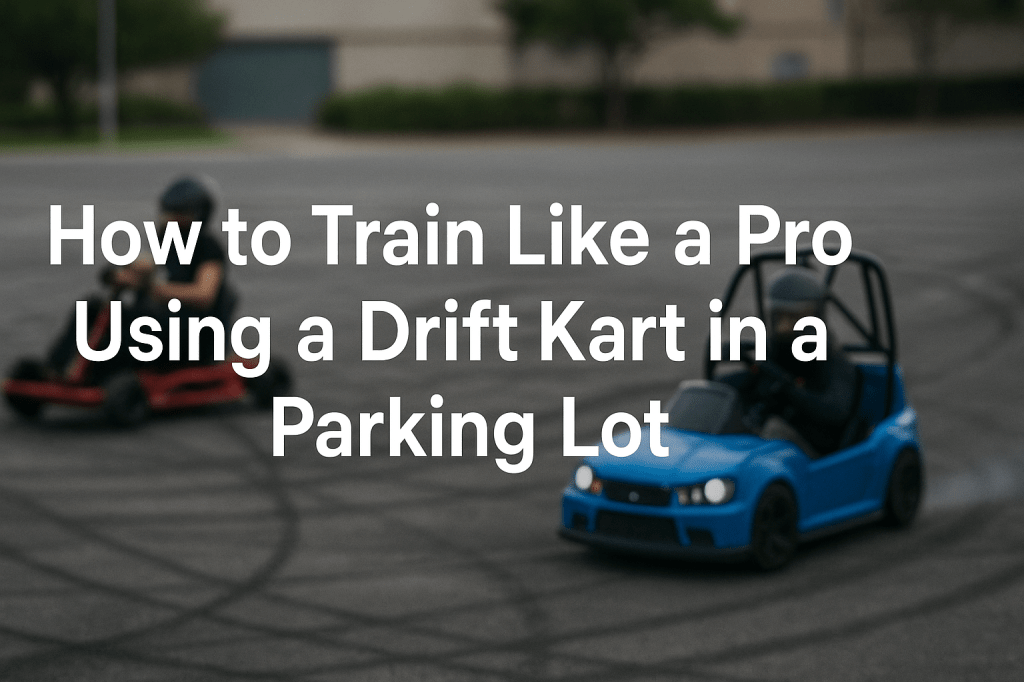
Want to get better at drifting without crashing your car or blowing through tires? You don’t need a sim rig. You don’t need a racetrack. You don’t even need a tow vehicle.
All you need is a DriftKart D1 and an empty parking lot.
This blog will break down how to use the DriftKart D1 as your real-world training tool — not just for fun, but for actual drift progression.
🏁 Why Parking Lots Are Perfect for Drift Training
Let’s be real. Drifting at the track is expensive:
- Entry fees
- Tires
- Fuel
- Transportation
- Risk of crashing
Now compare that to:
- An open lot
- A portable electric kart
- No consumables
- And the ability to drift daily
Parking lots offer space, safety, and repetition — the core ingredients for building real muscle memory. Especially when you’re in a D1.
💡 The DriftKart D1 Training Advantage
Unlike toy karts that just spin in circles, the DriftKart D1 gives you:
- ✅ 900° steering for real countersteer
- ✅ Front + rear electric steering
- ✅ Smart drift logic tuned for tight environments
- ✅ Camber and caster adjustment for handling feel
- ✅ Real-time LED feedback for tandem and wall tap drills
Let’s break down how to maximize it.
🔄 The “Lot Loop” Method
Start with a basic cone loop layout:
- Place 4 cones in a rectangle, spaced about 20–25 ft apart
- Treat it like a mini drift course: initiate, transition, link, repeat
You’ll be training:
- ✴️ Entry angle
- 🌀 Transition timing
- 🔄 Steering correction
- 🎯 Exit control
Unlike sim games, the feedback isn’t digital — it’s in your hands, your hips, and your timing.
🎮 Use Training Mode for Clean Progression
The D1’s Training Mode keeps all wheels in sync and lets you focus on learning:
- How much throttle breaks traction
- How fast you need to countersteer
- When to let the angle ride
- When to modulate power and steering
You’re not just sliding. You’re driving the slide.
🚥 Add Tandem Mode for Real Pressure
Set up a two-kart layout and enable Proximity Mode.
Now the LEDs on each kart will glow:
- 🟢 Green: Good follow distance
- 🟡 Yellow: Getting close
- 🔴 Red: Door-to-door, max angle
Use it to:
- Practice chase laps
- Simulate wall taps (with cones)
- Learn to maintain gap at entry, apex, and exit
- See your mistakes immediately, visually
You’re building real tandem awareness — in a parking lot.
🧪 Experiment With Setup
Try different:
- Camber settings for snappier transitions
- Caster angles for slower or quicker steering response
- Surface textures (smooth asphalt vs older concrete)
- Wet spots for added complexity
You’re not just having fun — you’re tuning like a pro.
🛞 Want Chaos Instead? Flip to Shred Mode
When it’s time to let loose, switch to Shred Mode:
- Rear steering turns off
- Drift Rings go on
- Kart spins up like a Crazy Cart XL
- Great for burnout lines, party demos, and tight space sliding
Then just switch back to Training Mode when you’re ready to get serious again.
📈 The Benefits Compound
Every minute in the kart adds up:
- Better hand control
- Improved throttle feel
- Sharper reaction timing
- Tighter spatial awareness
- Confidence to push harder
And it all happens without burning tires or breaking your car.
🎯 You Don’t Need a Track to Drift Like a Pro
A parking lot, a DriftKart D1, and a couple cones are all you need to build real skill.
No sim. No trailer. No tire bill.
Just real-world practice, anywhere, anytime.
🎄 Launching Christmas 2025 — Reserve Your D1
We’re shipping the first limited run of DriftKart D1s this holiday season. If you want the ultimate drift kart training tool, sign up now.
👉 Reserve your spot at driftkart.co
 Drift Karts